

Account Matching
Overview
Section titled “Overview”Account Matching links each Xero contact to an existing Salesforce Account, so that synced data attaches to the right record. The Account Matching page gives you a single view of every Xero contact and its matching status.
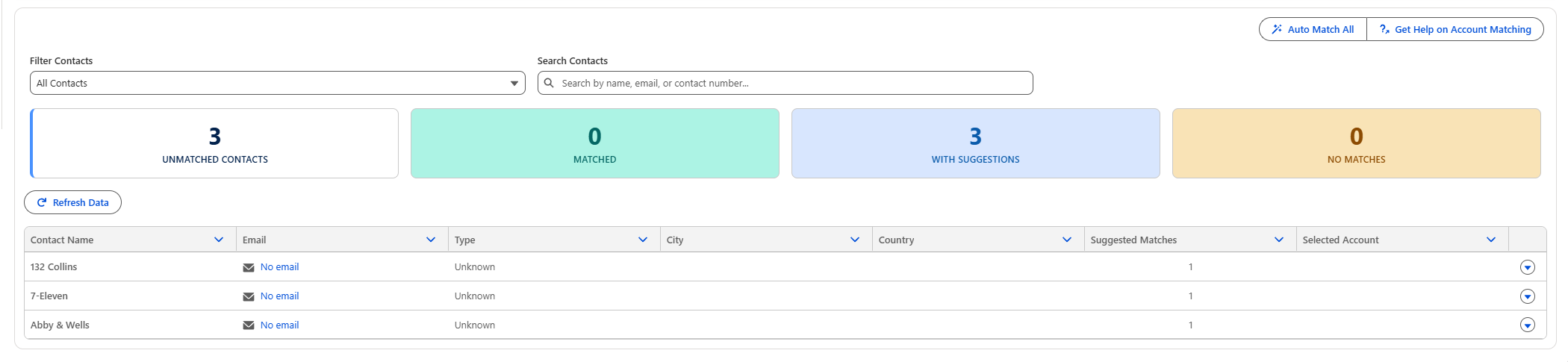
The summary tiles at the top break your contacts down by status:
| Status | Meaning |
|---|---|
| Unmatched Contacts | Xero contacts that are not yet linked to a Salesforce Account. |
| Matched | Xero contacts that are linked to a Salesforce Account. |
| With Suggestions | Unmatched contacts that have one or more suggested Salesforce Accounts. |
| No Matches | Unmatched contacts with no suggested Account found. |
Use the Filter Contacts dropdown and Search Contacts box to narrow the list, and Refresh Data to pull the latest contacts from Xero.
Find Matches
Section titled “Find Matches”To match a single contact, open the row menu and select Find Matches.
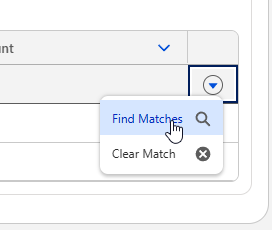
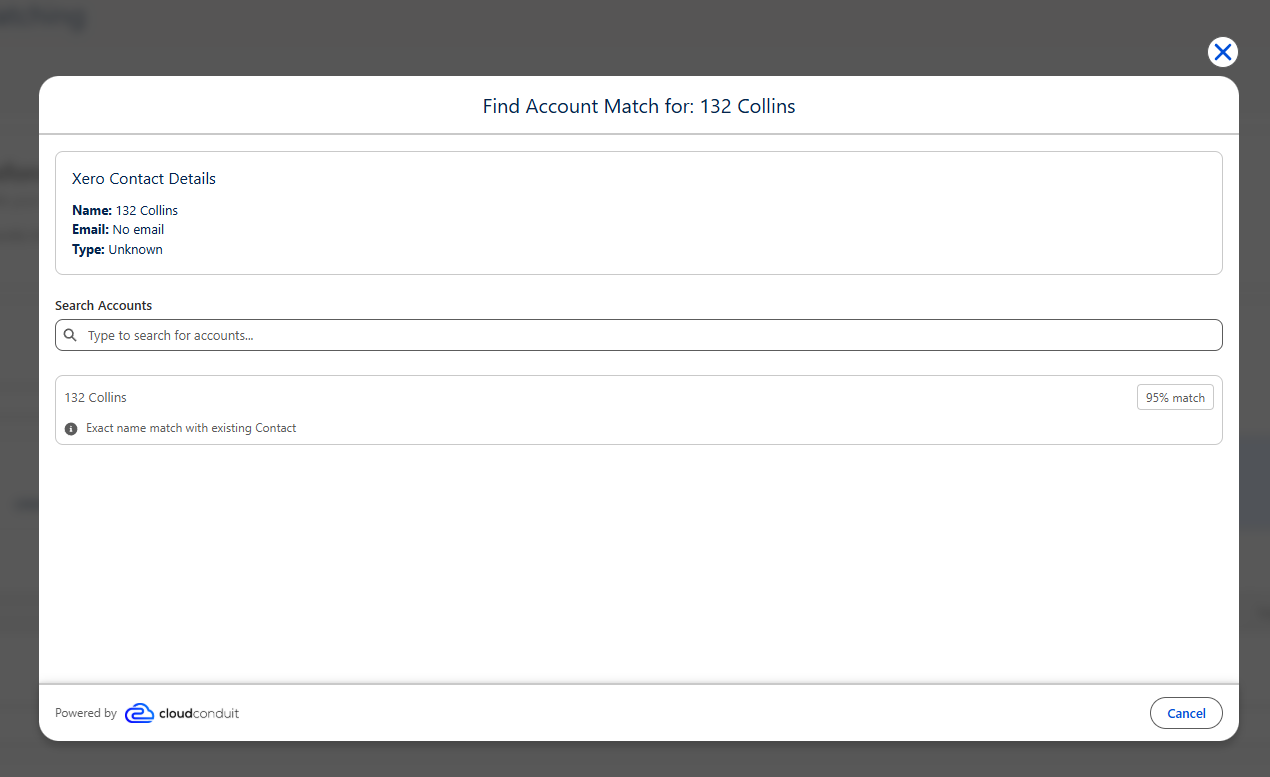
The Find Account Match dialog shows the Xero contact details alongside suggested Salesforce Accounts, each with a confidence score. You can also use Search Accounts to find an Account manually. Select an Account to create the match, or choose Clear Match from the row menu to remove an existing one.
Auto-match
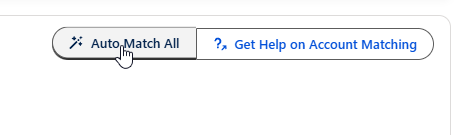
Section titled “Auto-match”To match contacts in bulk, click Auto Match All. This applies the highest-confidence suggestion to every contact that has one, so you can resolve large batches in a single action and then review or adjust individual matches as needed.
Automatic Matching
Section titled “Automatic Matching”Matching is driven by a Template Record-Triggered Flow that determines the matching Account for a Contact. The flow evaluates each Xero contact against your Salesforce Accounts and produces the suggested matches and confidence scores shown on this page.
The Xero Contact Matching flow is an Autolaunched Flow that runs before save on the record, and is shipped as an active template.
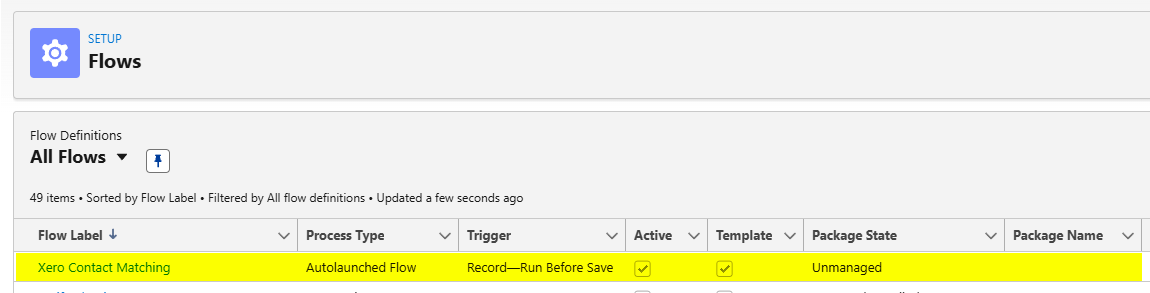
Because it is a template, you can clone and customise the flow to fit your own matching logic, for example matching on additional fields or applying your own business rules, without changing the core integration.